API Guide
Authentication
How to get credentials, choose the right auth method, and send authenticated requests to the paperlesspaper API.
Authentication
paperlesspaper currently documents two authentication approaches:
- API keys sent in the
x-api-keyrequest header. - JWT bearer tokens sent through standard bearer authentication.
If you are getting started, use an API key first. It is the clearest option for server-to-server requests and simple API exploration.
Get an API key
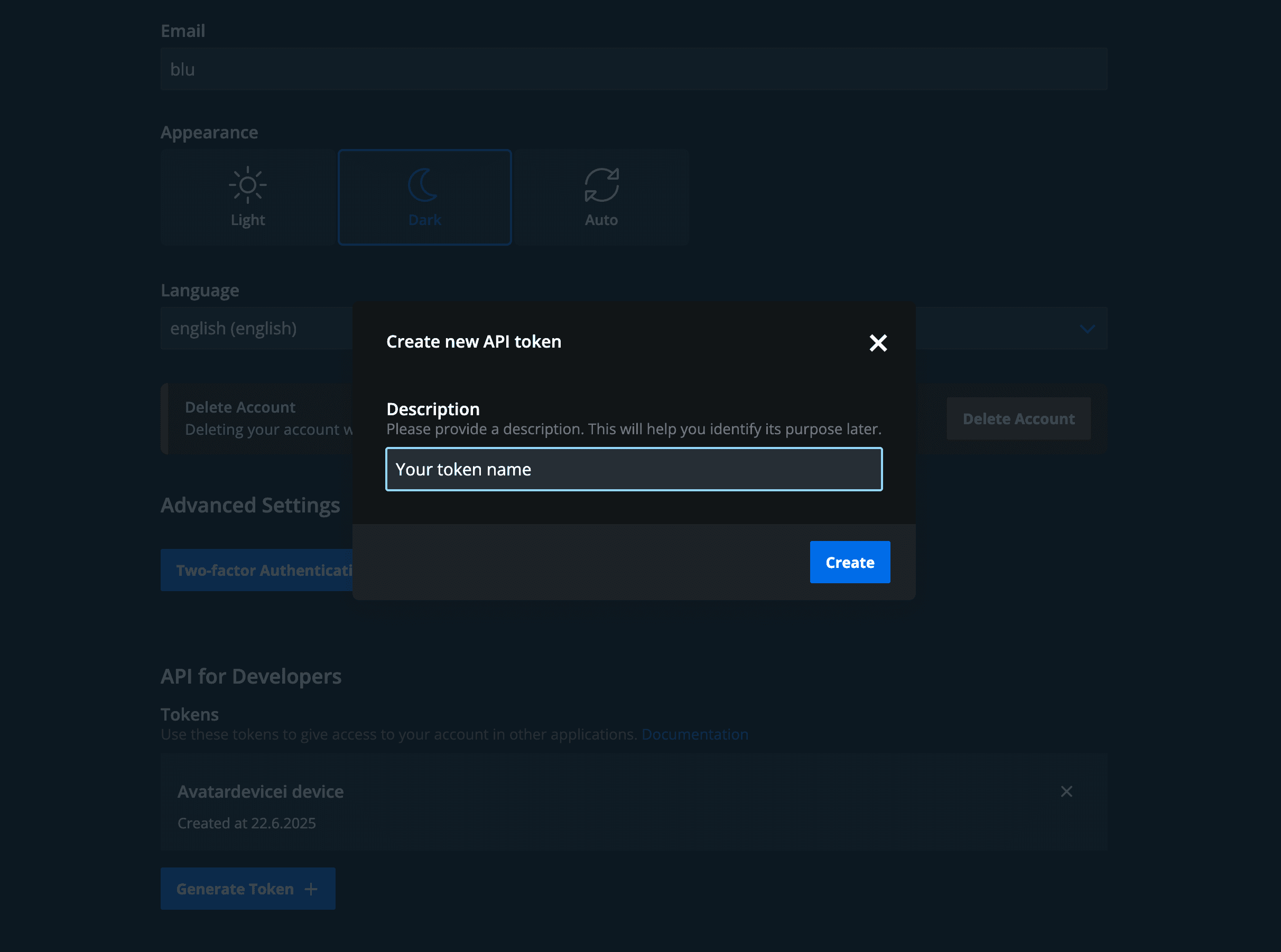
You can create an API key in your paperlesspaper account at web.paperlesspaper.de/account.
There is a request limit of 300 requests per minute for API key usage.
API keys
Send your API key in the x-api-key request header:
x-api-key: <your-api-key>Example request:
curl https://api.paperlesspaper.de/v1/users/ \
	-H "x-api-key: <your-api-key>"
Error handling
The public developer guide describes these common auth-related responses:
401 Unauthorizedwhen a token is missing, invalid, or expired.403 Forbiddenwhen the authenticated identity does not have access to the endpoint.
If a request fails, verify these points first:
- The header name is exactly
x-api-keyorAuthorization. - The token or key is current and has not been revoked.
- You are calling the correct environment and base URL.
- The endpoint actually supports the authentication method you are using.