Manufacturing
Laser Cutting
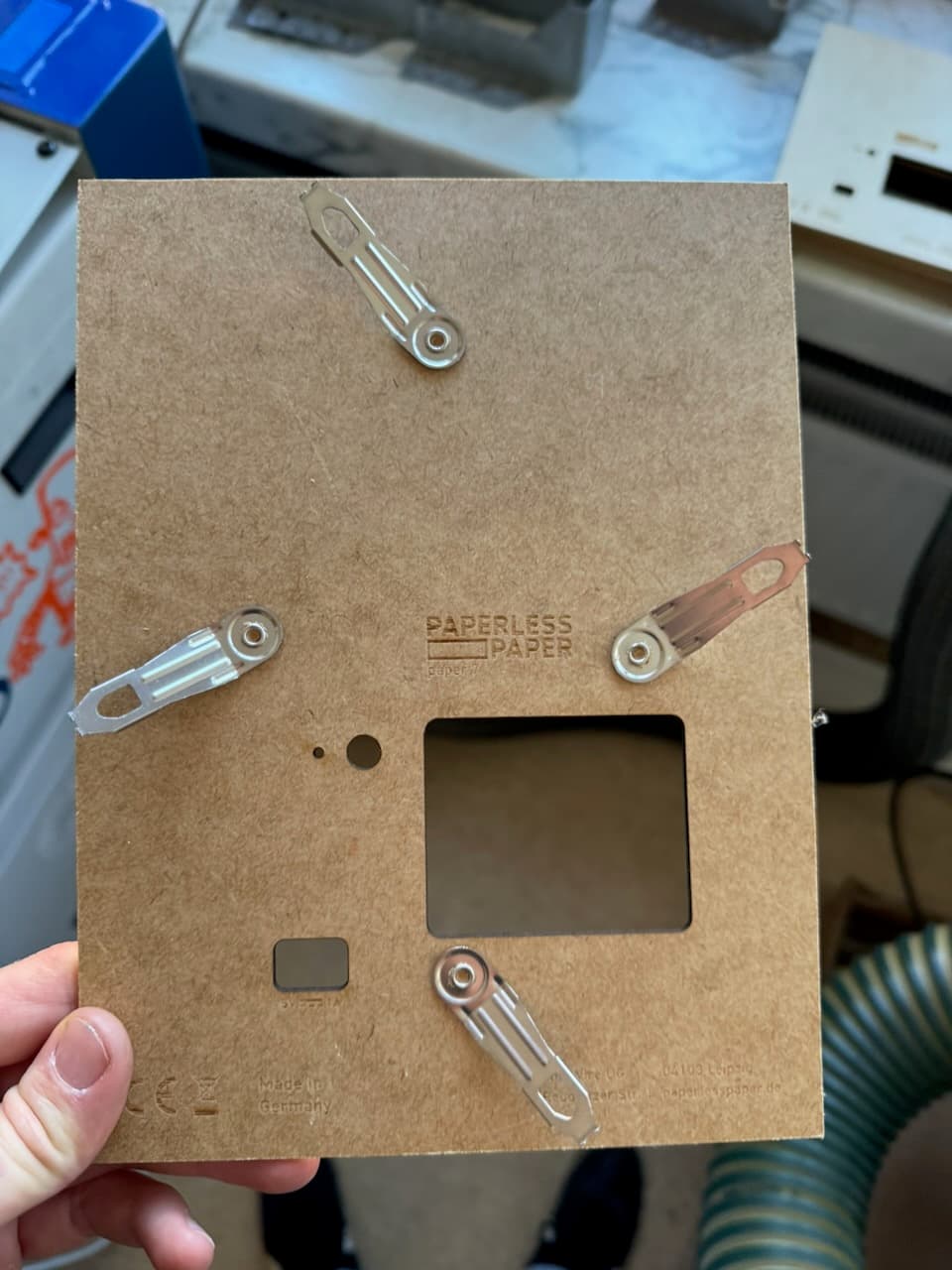
Cut and mark the 2 mm pressboard backplane.
The backplane is made from 2 mm pressboard. Cut and mark it before adding clips or other hardware.
Colors
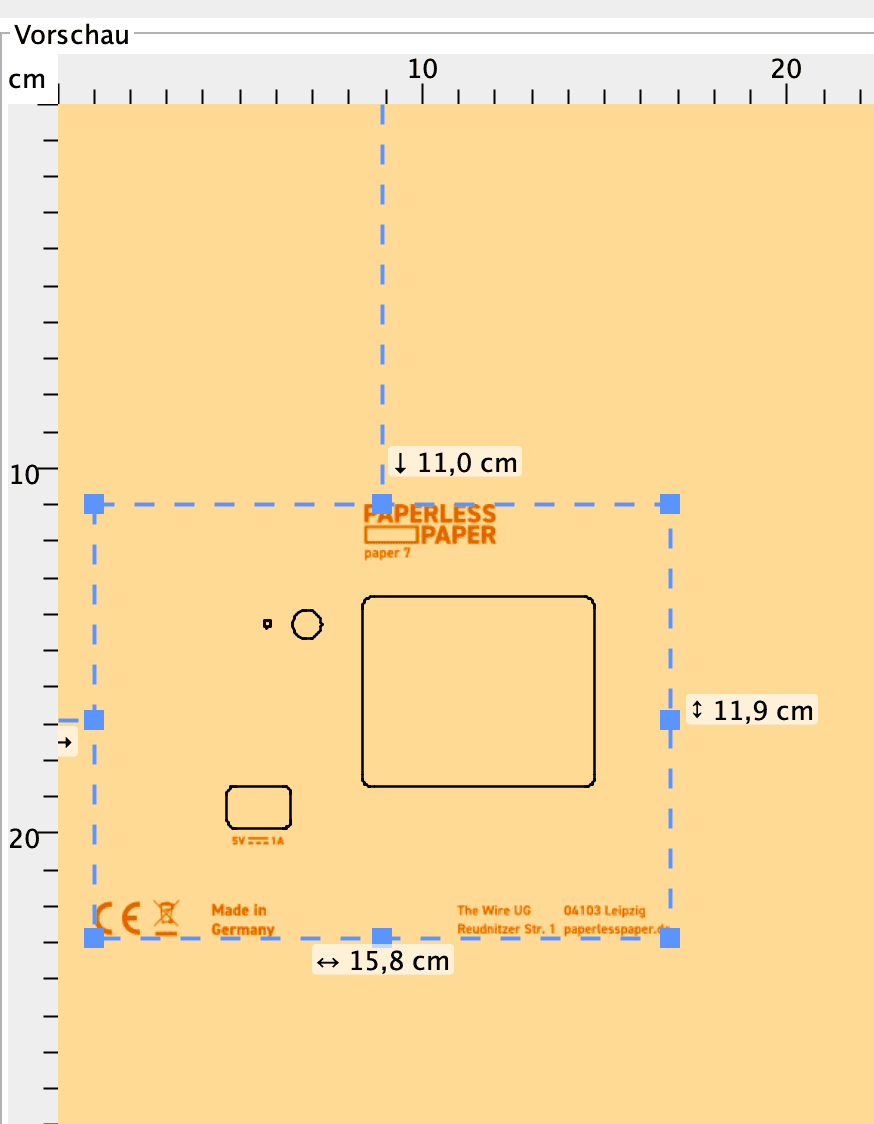
- red: cut
- black: mark
- green: ignore
Use mark rather than engrave for the text. It is faster and looks cleaner.
Steps
- Set the Z distance.
- Align the X and Y axes.
- Open the file in VisiCut.
- Check the cut and mark settings.
- Make one test backplane.
- Check that every cut goes through and the text is easy to read.
- Adjust the settings before cutting the batch.
Check the kerf
The laser removes a little material around every line. Measure a test piece before cutting a full batch, especially after changing material.
Our settings
These are starting points for our machines. Test them before running a batch.
| Machine | Cut | Mark |
|---|---|---|
| Lasersaur | 100% power, 25% speed, 500 PPI | 4% power, 25% speed, 500 PPI |
| Zing | 100% power, 25% speed, 500 PPI | 15% power, 100% speed, 500 PPI |
For the Zing, use NEAREST as the cut order.
Cutting several at once
A simple jig keeps the pressboard in the same place for every run.
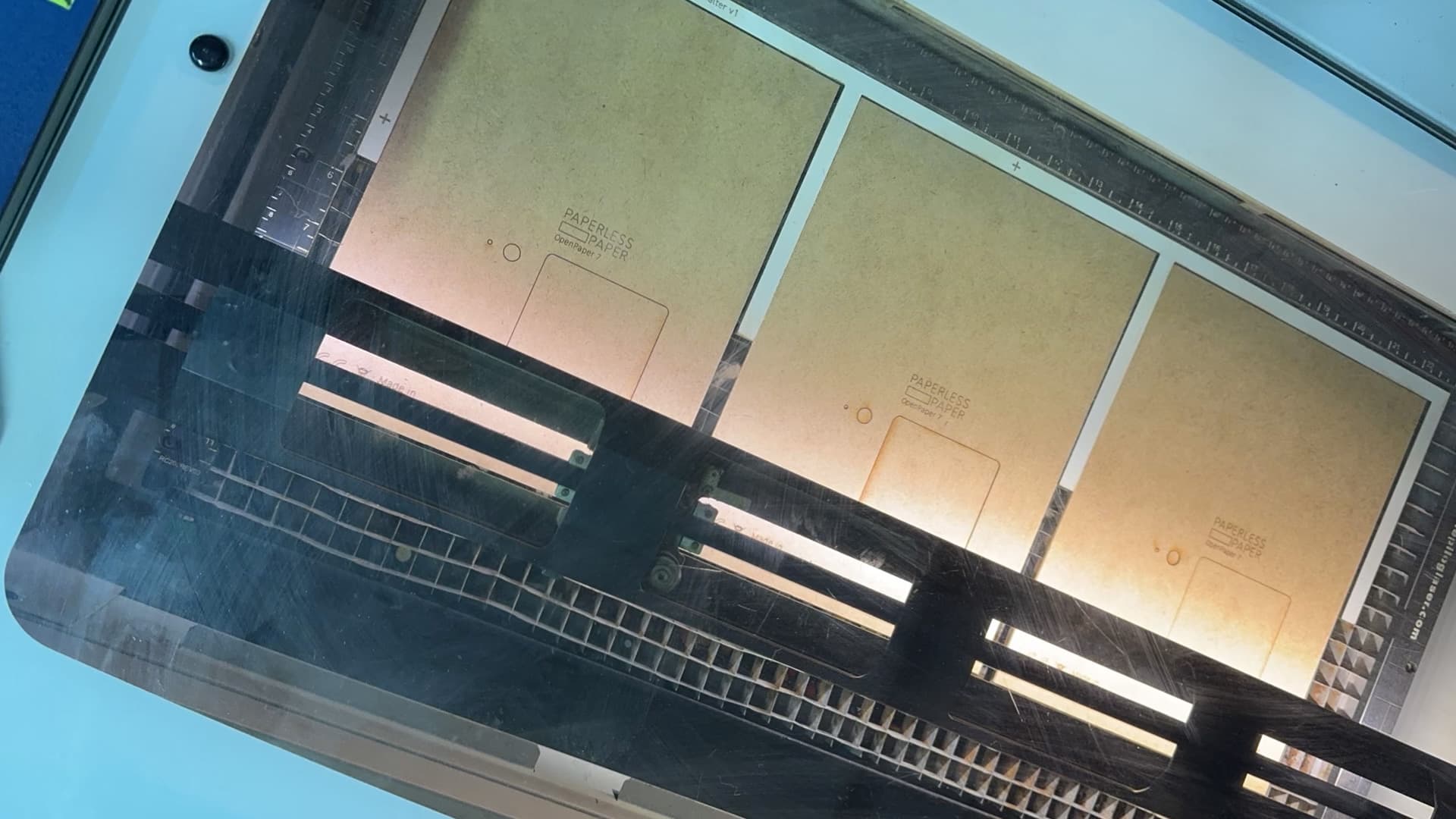
| Lasersaur | Zing | |
|---|---|---|
| OpenPaper 7 | 12 pieces, about 15 minutes | 3 pieces, about 3 minutes |
| OpenPaper L | 6 pieces, about 10 minutes | 2 pieces, about 3 minutes |
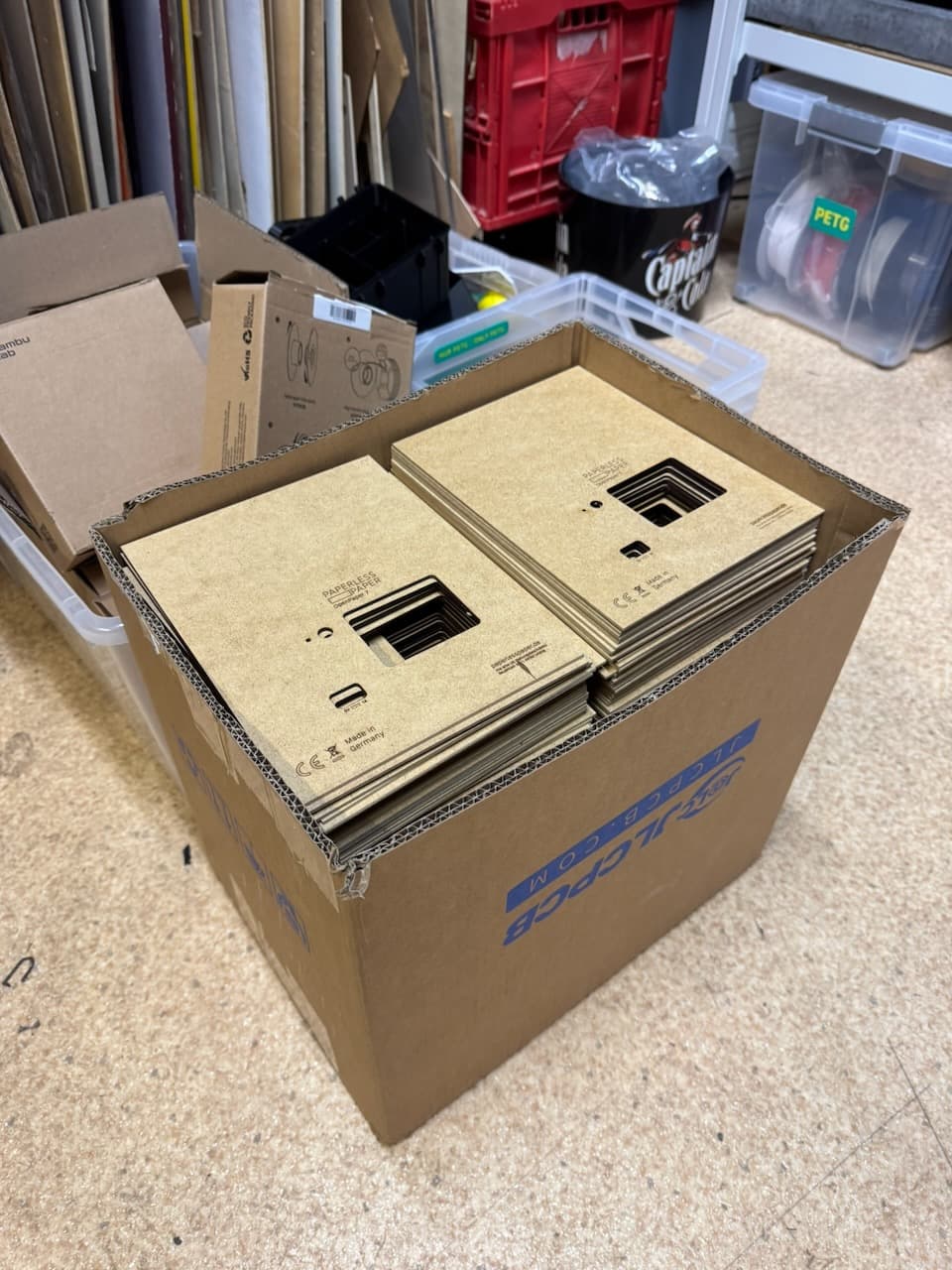
Check that the finished backplane is flat, not badly scorched, and fits the frame, USB-C port, buttons, and battery cover.