Manufacturing
Passepartout
Cut and attach the white border around the display.
| OpenPaper 7 | OpenPaper L | |
|---|---|---|
| Opening | 159 × 95 mm | 268 × 200 mm |
| Material | 1 mm white card | 1 mm white card |
| Display | about 160 × 96 mm | about 270.4 × 202.8 mm |
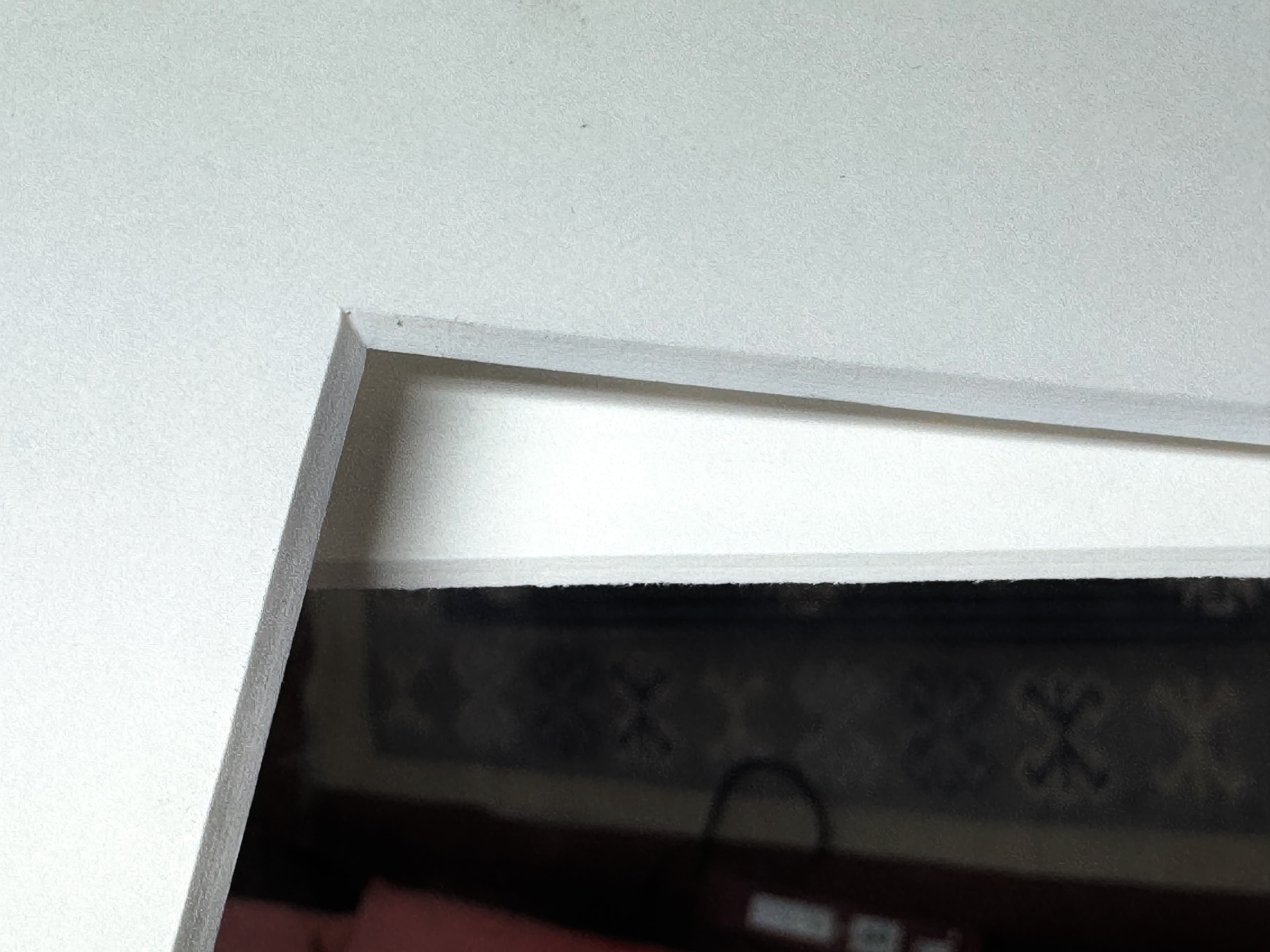
- Clean loose fibers from the cut edges.
- Clean the passepartout and display edges with a lint-free cloth.
- Remove the display film and tape liners.
- Use the lines on the display to center the opening.
- Lower the passepartout without sliding it across the display.
- Press gently on the taped areas.
The white border should look even on all sides, with no tape or display edge visible.